Creating and using custom content on Gyrinx

Custom content has landed! You can now use Gyrinx’s Content Pack tools to add homebrewed fighters, weapons, rules and more to your Necromunda lists and campaigns.
We’re super excited about this update and have big plans for further expansions to our customisation tools, but here are some tips to get you started.
What is a Content Pack and what does it do?
Content Packs are our solution for creating, adding and managing custom content for your Gyrinx gangs. Each Content Pack is a bundle of player-made content such as new gear or fighters. A Content Pack can be as big or small as you want, from a single fun weapon or MacGuffin for your campaigns, to full-blown custom gangs with their own rules and equipment lists.
Users can create Packs from the “Customisation” screen (in the toolbar at the top on desktop, or via the burger menu on mobile). Once a Content Pack has been created, it can be attached to a list, gang or campaign — giving users access to everything within.
What’s currently supported?
Content Packs have launched in Beta, which means we’re keen to get feedback, bug reports and ideas from our users.
We currently support the follow types of custom content:
- Houses (top-level list types such as Goliath, Escher etc.)
- Fighters including crews
- Equipment (Gear and Weapons)
- Rules
- Weapon Traits
- Skills
We’re working on support for the following types of custom content:
- Vehicles and Exotic beasts
- Gang attributes
- Statline types
- Overrides to existing content (including disabling core content)
- Wyrd powers
- Weapon accessories
- Special ammo for non-custom weapons
Our current focus is on supporting custom content for Necromunda, but the system we’re developing should eventually mean you can run different games using Gyrinx or fully implement extensive house rules.
Gigh-quality bug reports are incredibly useful while we develop Content Packs: the more detail and context you can provide, the quicker we can get the issue fixed.
A great bug report contains the following:
- Describe the bug: A clear and concise description of what the bug is
- Expected behaviour: What you were doing, and what you expected to happen
- Actual behaviour: What actually happened
- Screenshots: If applicable, add screenshots to help explain your problem
- Platform: What technology are you using? Laptop/Mobile, operating system and browser information are all useful
- Other context: Anything else we might find useful
You can submit a bug via #bug-reports on Discord or directly via GitHub.
We’d also welcome your general comments and ideas via #feedback-and-discussion on Discord.
Using Content Packs with Lists and Gangs
You can browse public Content Packs and ones you’ve made yourself from the Customisation screen. Once you’ve found one you want to use, you can attach it to a list, gang or campaign using the ‘Use in new List’, ‘Add to List’ or ‘Add to Campaign’ buttons. Once you’ve “subscribed” to a Pack, its custom content within it will appear for use.
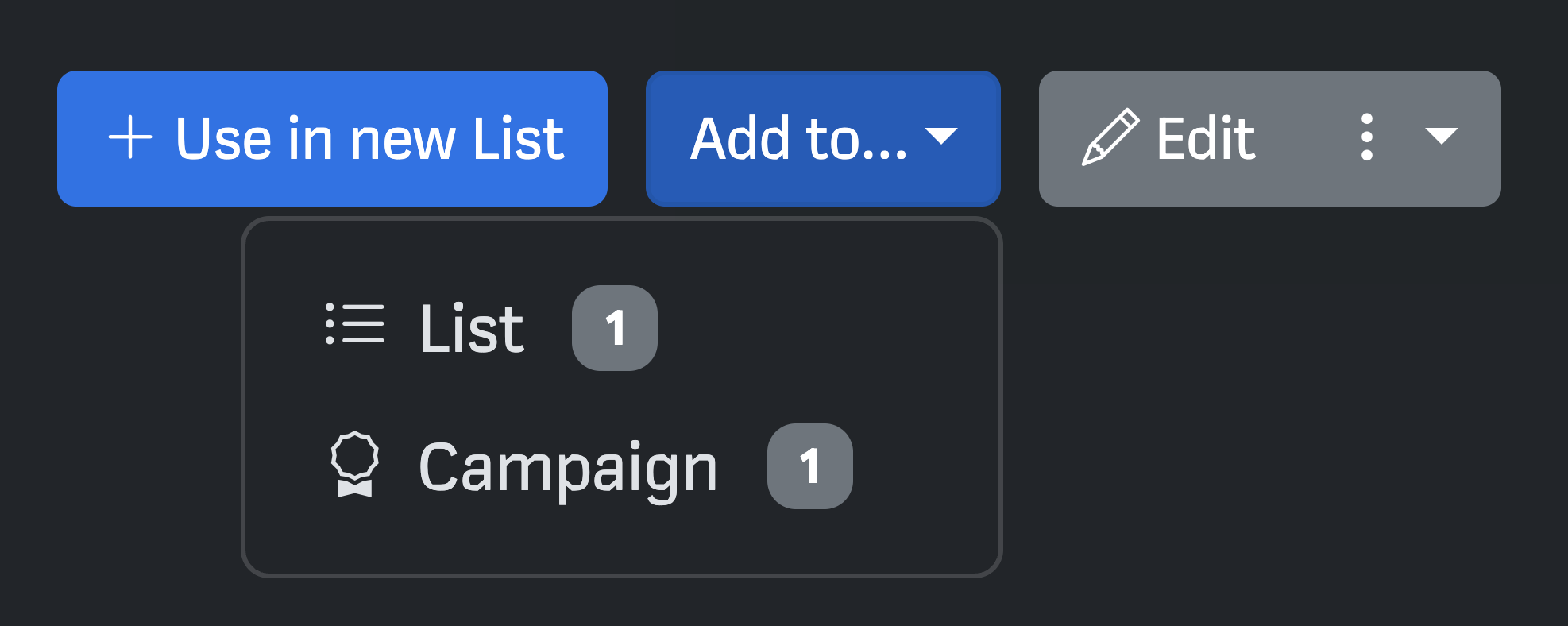
Alternatively, go to a list or campaign gang and click “Add Content Pack” from the top of the page (under the gang/list name):

You can add as many Packs as you want to a list.
Using Content Packs with Campaigns
You can add a Content Pack to a Campaign by navigating to the chosen Pack(s) and adding them via the ‘Add to Campaign’ option, or by hitting the ‘Add Packs’ button at the top of the Campaign dashboard:
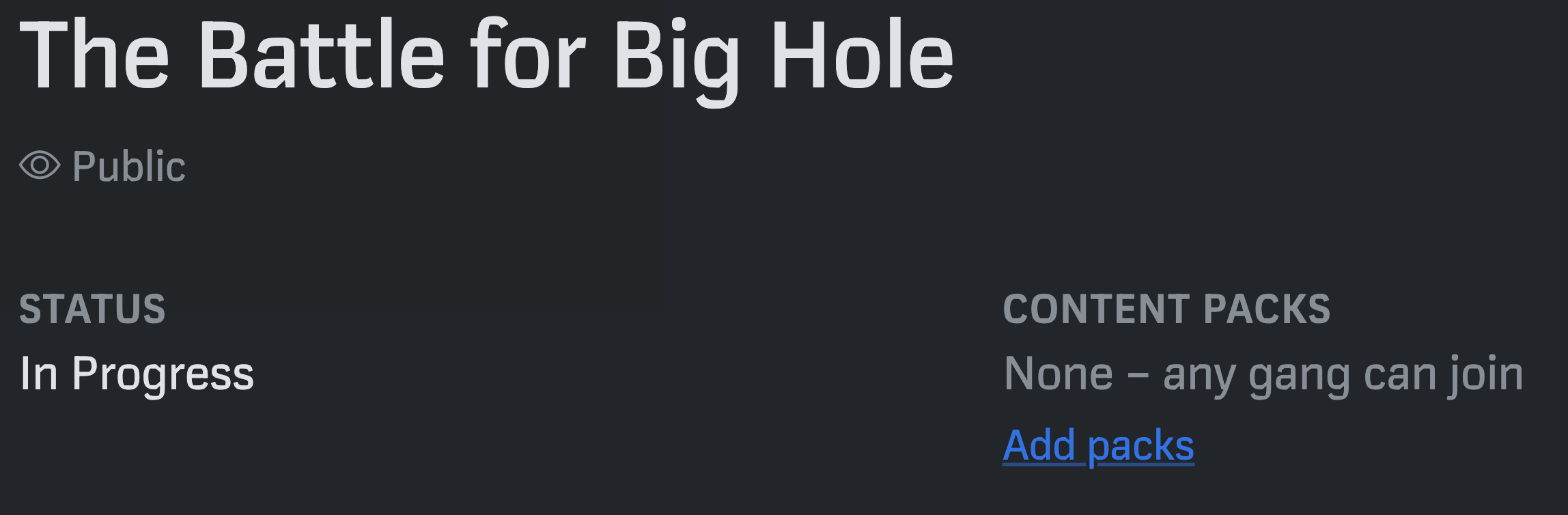
Currently, this will not directly affect the options available to Gangs in the campaign. Instead, selected Packs will be suggested as a option to Gangs that join, meaning players can quickly access the custom rules the arbitrator has permitted for that Campaign.
Once a content Pack has been added to a Campaign, Campaign Gangs will see a suggestion prompt at the top of their Gang page:

When they then browse for Content Packs from that list, the campaign’s Packs will be displayed prominently:
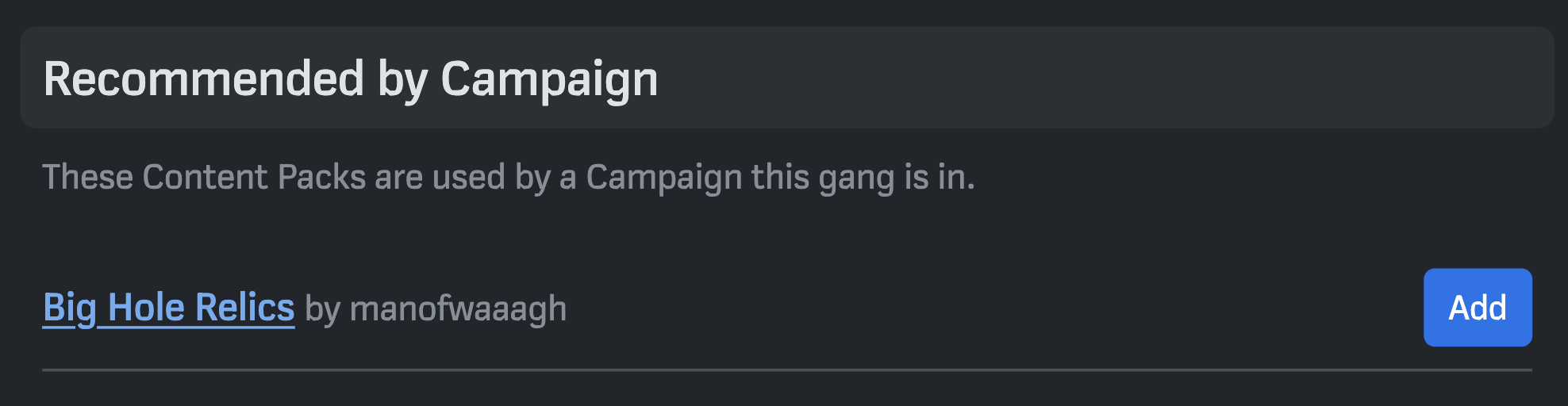
Players only need to add the Content Packs they actually plan to use: for instance, if you have permitted a set of custom rules for Scavvies, only players who are using Scavvies need to add them to their list.
This is an area of continued development, and we’ll soon add capacity for campaign-added Content Packs that spill onto all lists in a campaign regardless of whether they’ve individually subscribed to them. This will allow for the support of things like House Rules.
Building Content Packs
If you’re ready to start adding your own Custom Content, head to the Customisation screen and click Create a new Content Pack.
You’ll be prompted to name your Pack. You can add a Summary, which will be shown to users who are browsing through Packs. You can also add a Description: this can be anything from detailed instructions about using the Pack, to testing notes, to lore and background for a custom gang type!
You can also select whether a Content Pack is public from this screen: we’d recommend keeping Packs unlisted until they’re ready for use. Bear in mind that even if a Pack is unlisted, it can be viewed by anyone who has the direct link: this means you can still share custom content with your friends without making it visible to everyone.
Once you’ve picked a name, you will be taken to to the Content Pack panel. From here, you can get creating custom content. Just head to the type of content you want to create, and hit Add.
Tips and tricks for Content Packs
We hope most parts of building Content Packs are pretty self-explanatory, but here are some tips and tricks.
- Content Packs are self-referential. That means that if you create (for example) a custom special rule, you’ll automatically be able to add that rule to fighters within the Content Pack.
- If you select a custom fighter’s Category as ‘Crew’, then then stat selection page will automatically be limited to the stats available to crews.
- When you’re writing fighter and weapon stats, remember to include symbols such as " on movement, +/- at the start of accuracy modifiers, and + at the end of headstats.
- Some Rules currently show as duplicates, in part because Necromunda occasionally uses different rules with the same name. Since we do not host the full text of Necromunda’s rules, it doesn’t matter which you choose from these.
- When you’re selecting a fighter’s category, you may be confused by the inclusion of “Dramatis Personae” — this reflects the unique labelling of Old Three Eyes in House of Chains. We’d recommend avoiding this category and putting your custom Dramatis Personae into conventional categories such as Bounty Hunter, Hive Scum or House Agent.