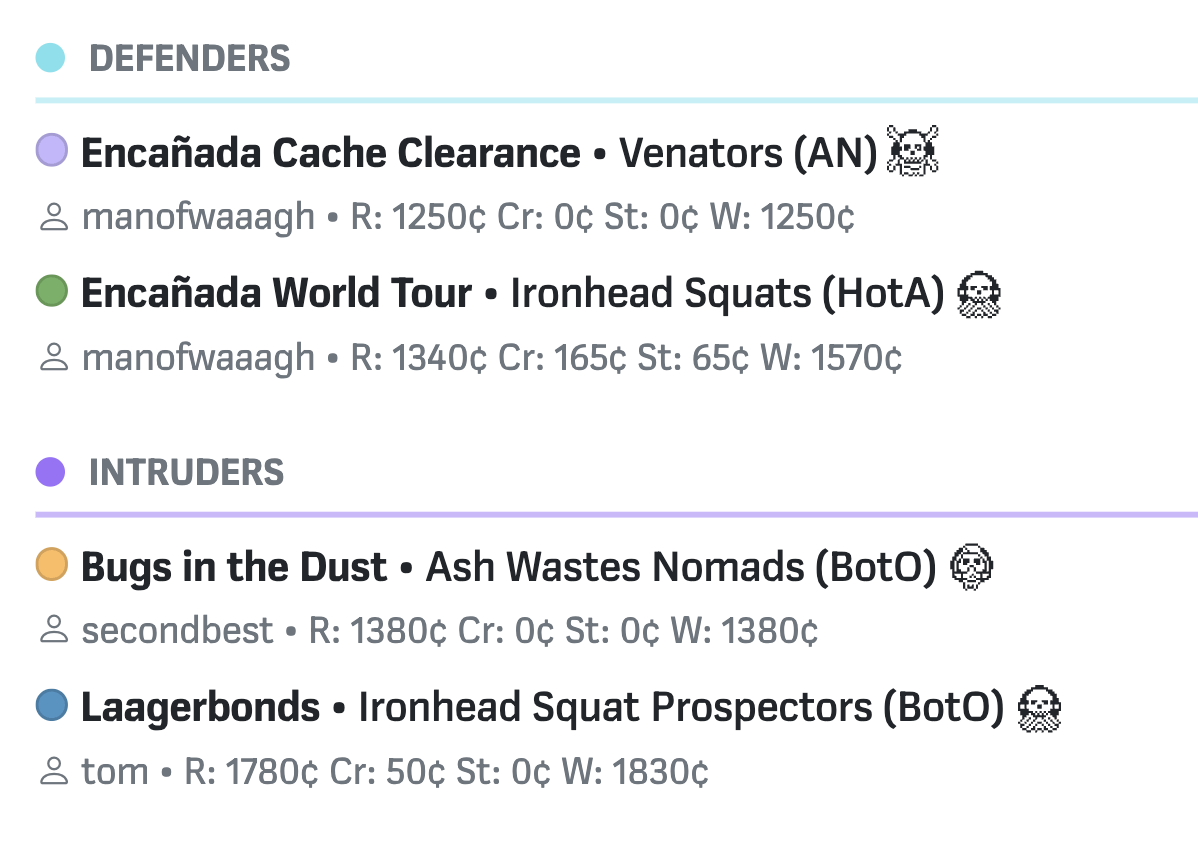
Feature Spotlight: Split players into factions using Campaign Attributes
Attributes offer a power tool for dividing and sorting campaign gangs

If you’re running a campaign or event where players are split up into teams or factions, you can use the Campaign Attributes feature to establish groups.
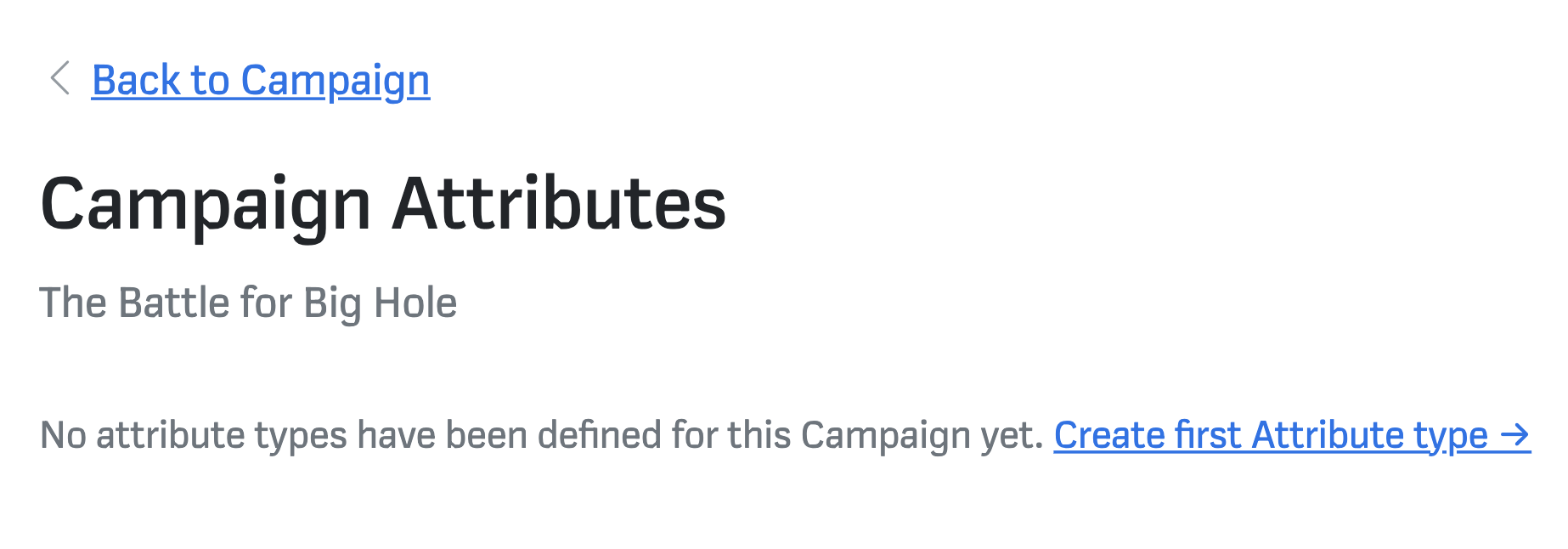
To access Campaign Attributes, open the dropdown button at the top of the campaign dashboard, and click Attributes. You’ll be taken to the Campaign Attributes screen, which will prompt you to create your first Attribute type:
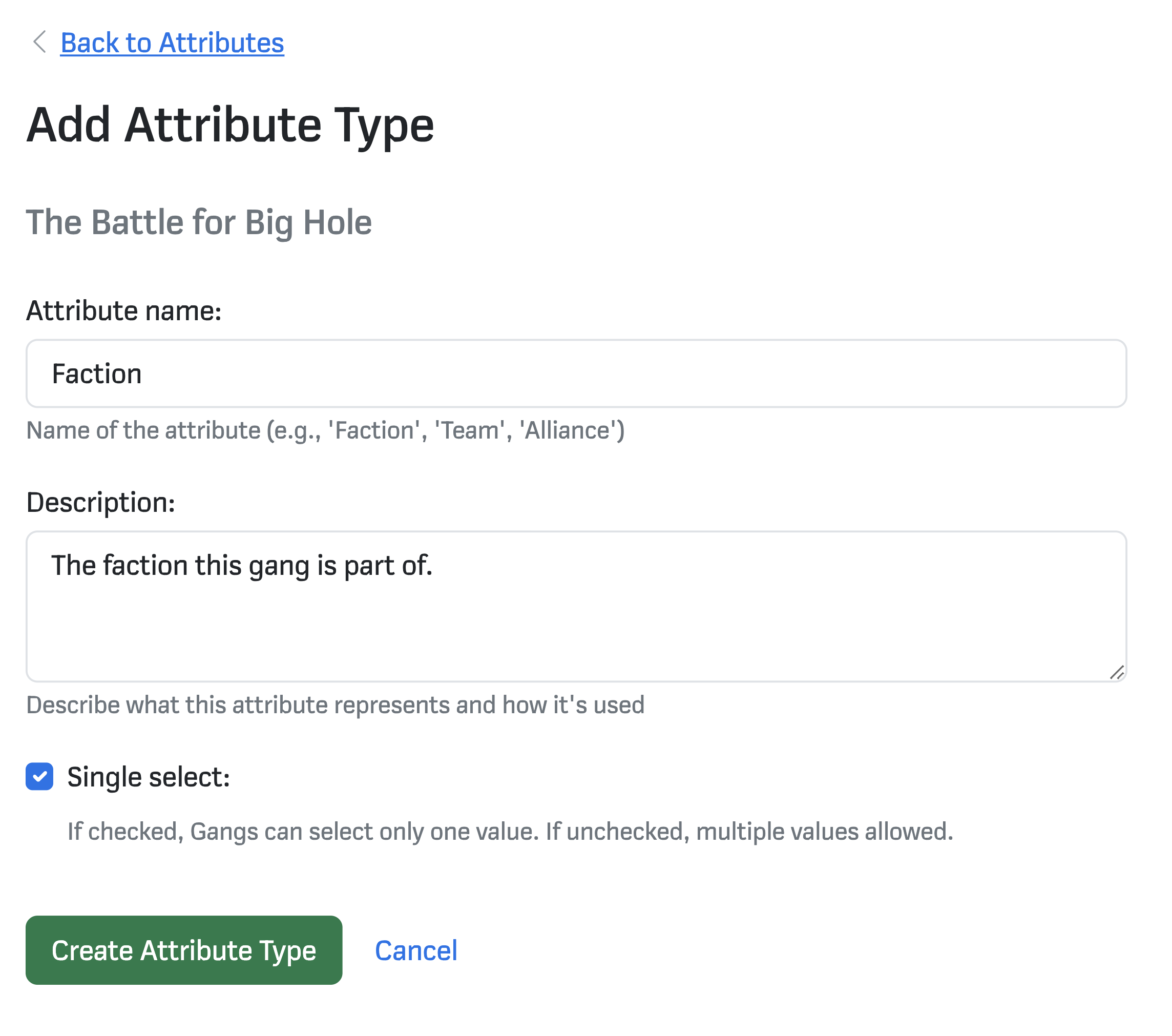
Attributes type have three top-level settings: a name, a description and whether gangs can select one or more of the values. For instance:
Once you’ve create the Attribute type, you’ll be taken back to the Campaign Attributes screen. Now you have a type in place, you can create values and use it to sort the campaign gangs. Let’s add a value:
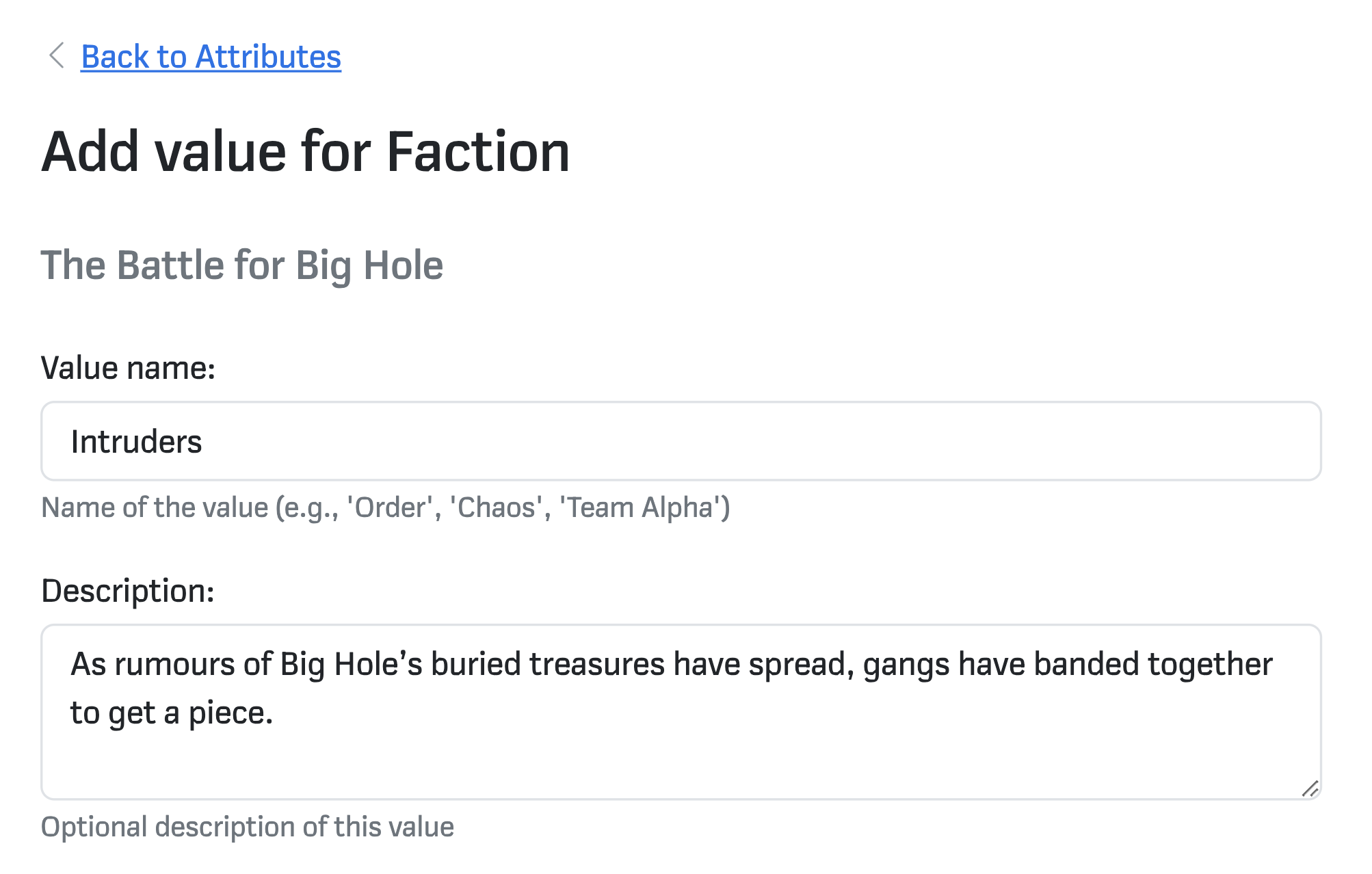
Set a colour if desired, and hit Create Value. The Value you’ve created will appear on the Campaign Attributes page. You can sort gangs between the values you’ve created:
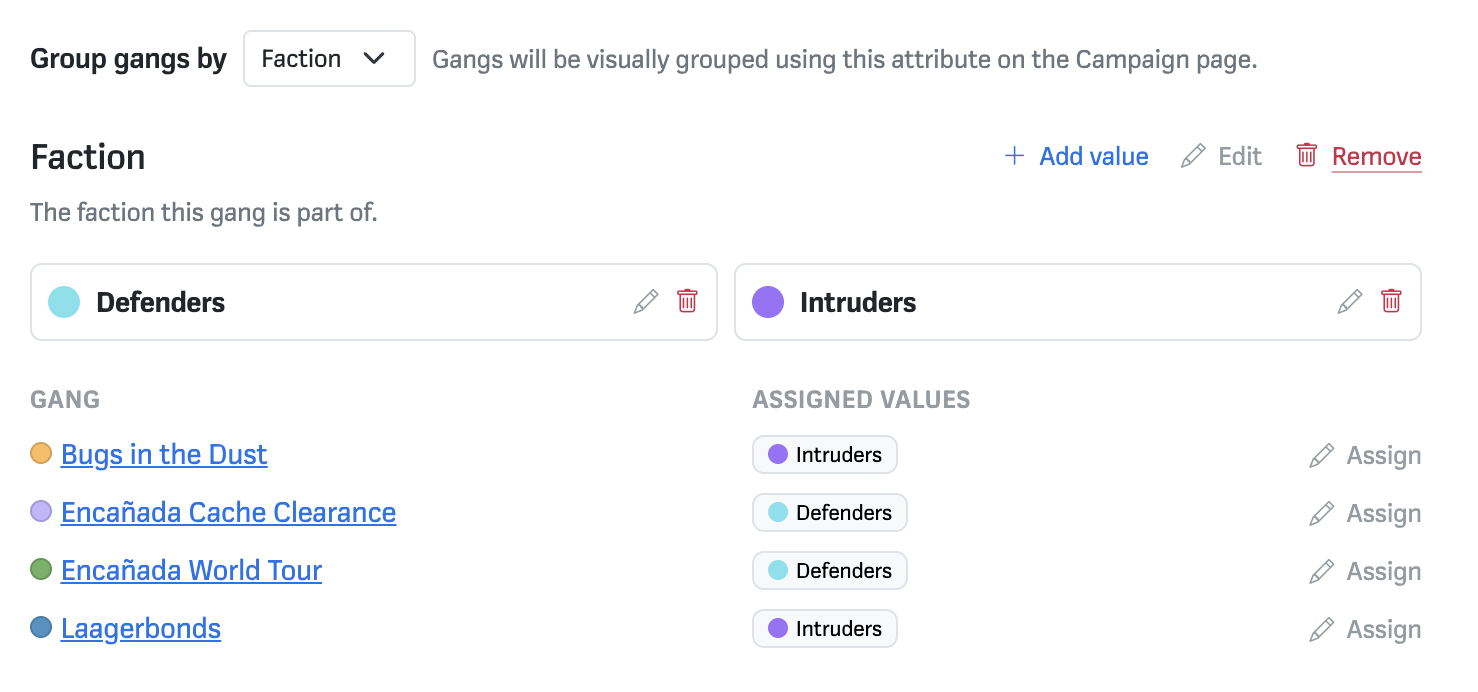
Once Gangs are assigned to a type — and you’ve picked a grouping option — you’ll see the Attribute groupings on your campaign dashboard: